Spanish for the conversations in your care
Start with a patient greeting, then build vocabulary around your specialty and the conversations you want to practice.
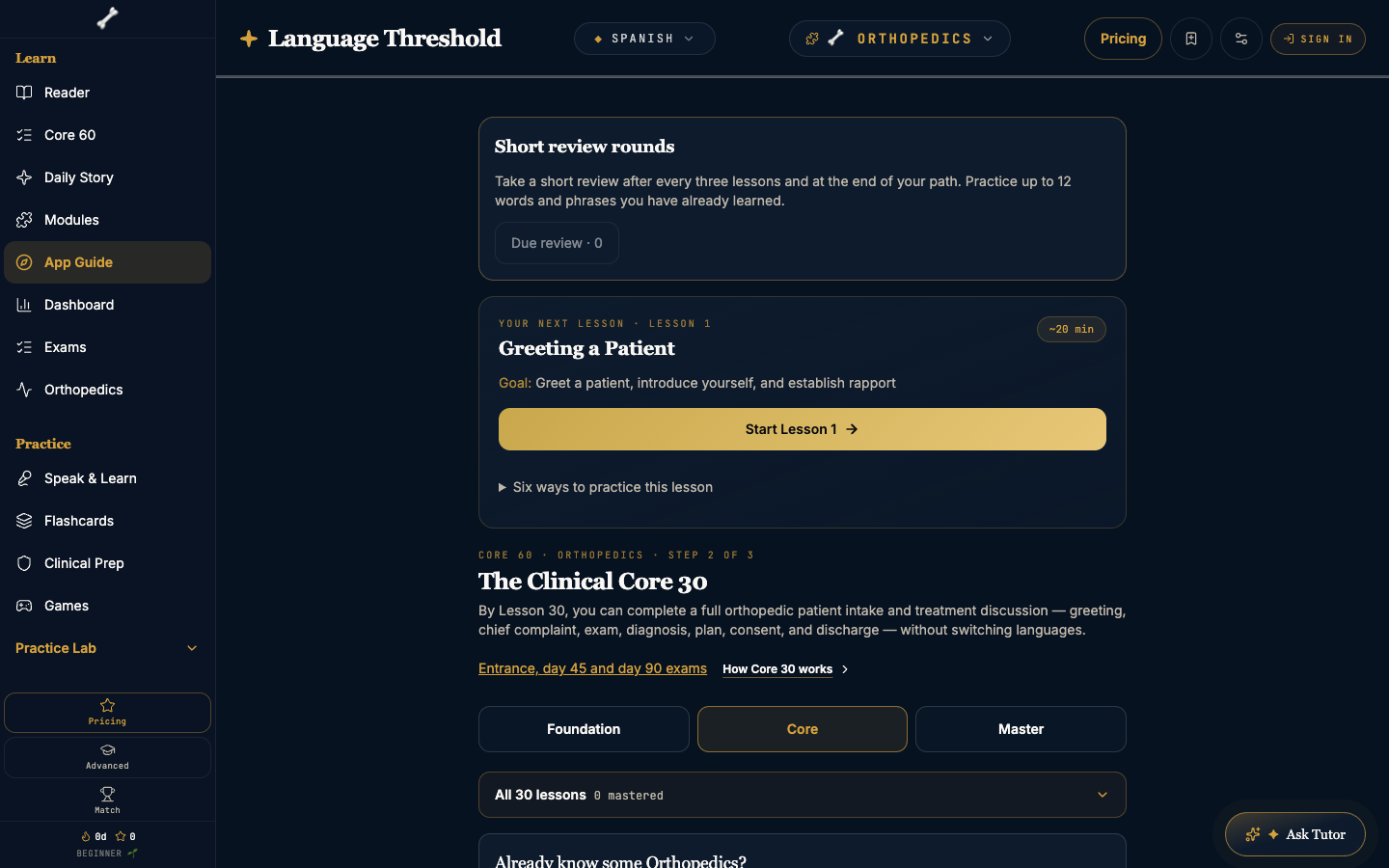
Start with a patient greeting
Follow a clinical lesson path and return to useful words through reading, listening, speaking, typing, and handwriting practice.
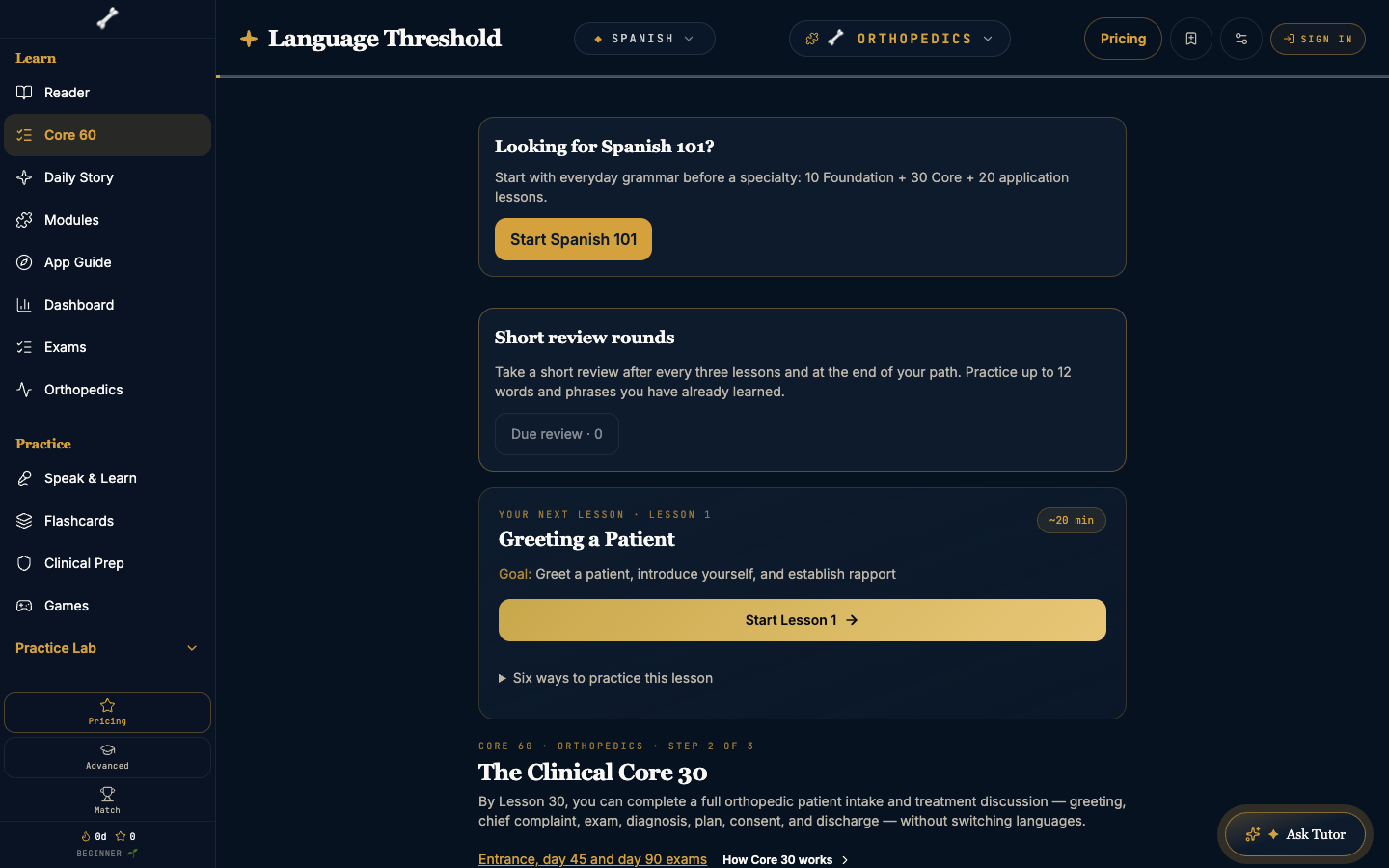
Read medical Spanish in context
Read Spanish alongside English. Explore clinical vocabulary in a passage, listen to the words, and save vocabulary for another practice session.
Return to your clinical vocabulary
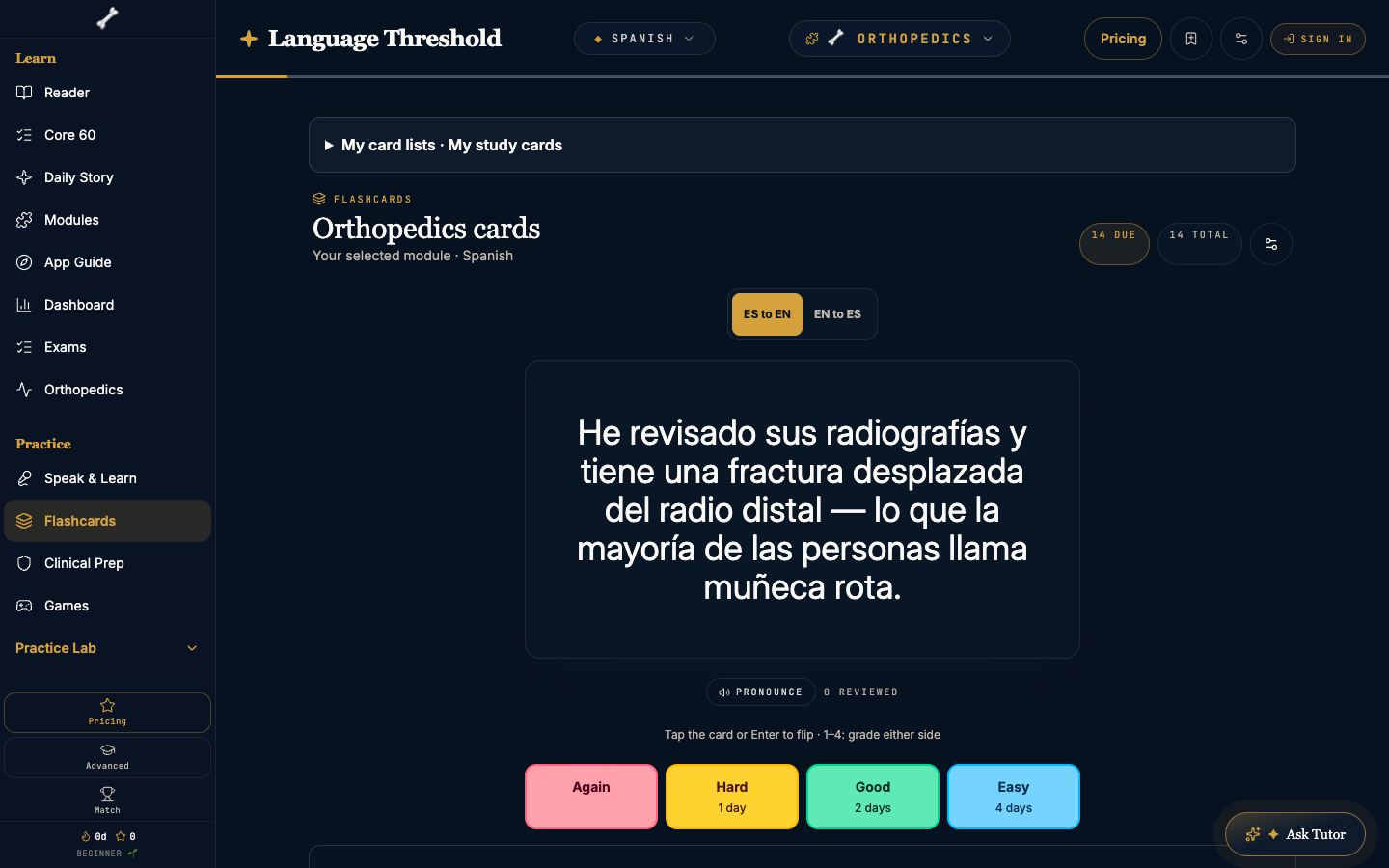
Review orthopedic words in a topic deck. Recall the meaning, listen to pronunciation, and return to words that need more practice.
Make practice part of your day
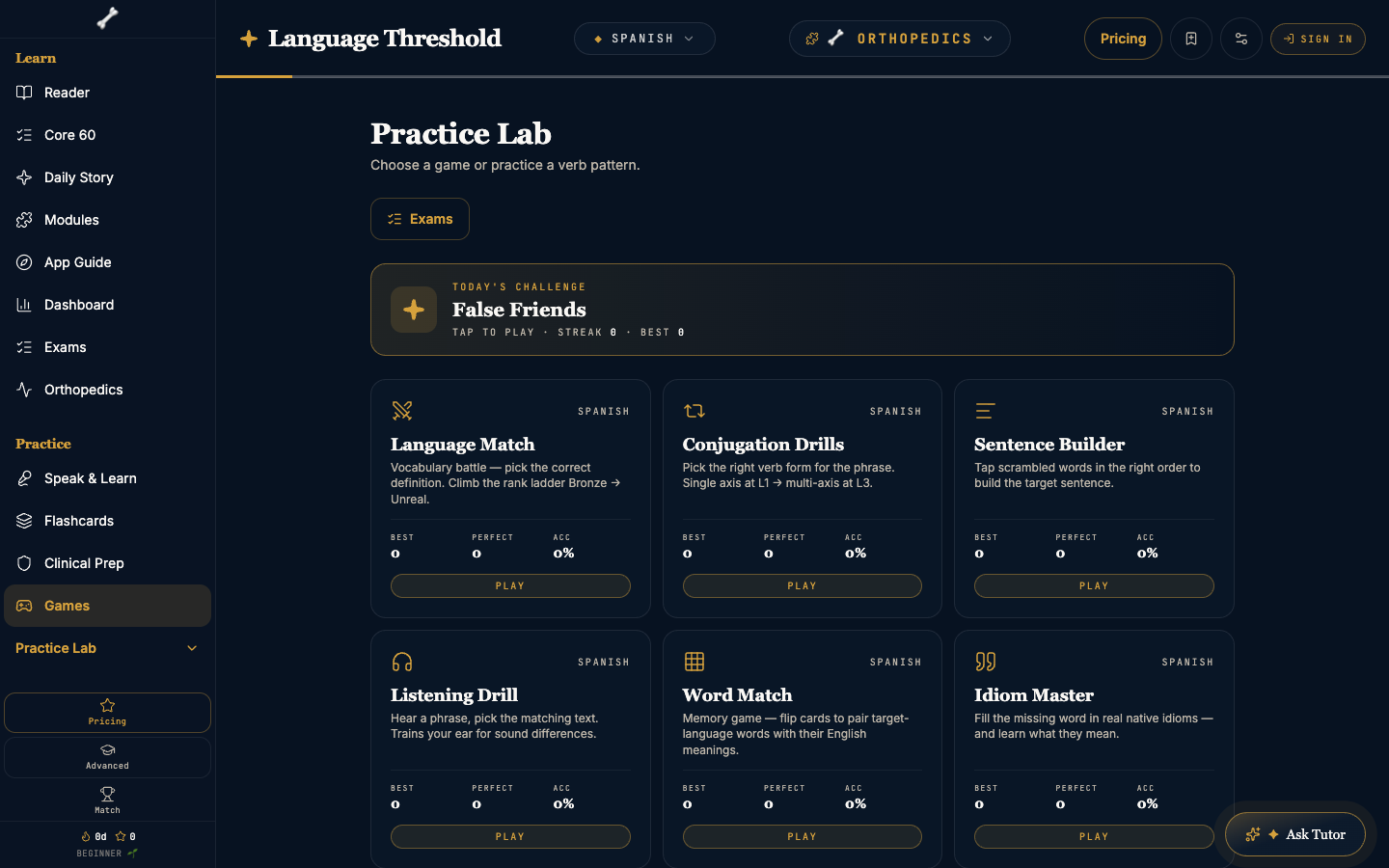
Choose a short challenge to revisit vocabulary, verb patterns, or listening. Find a practice mode that keeps you coming back.
Rehearse the first conversation
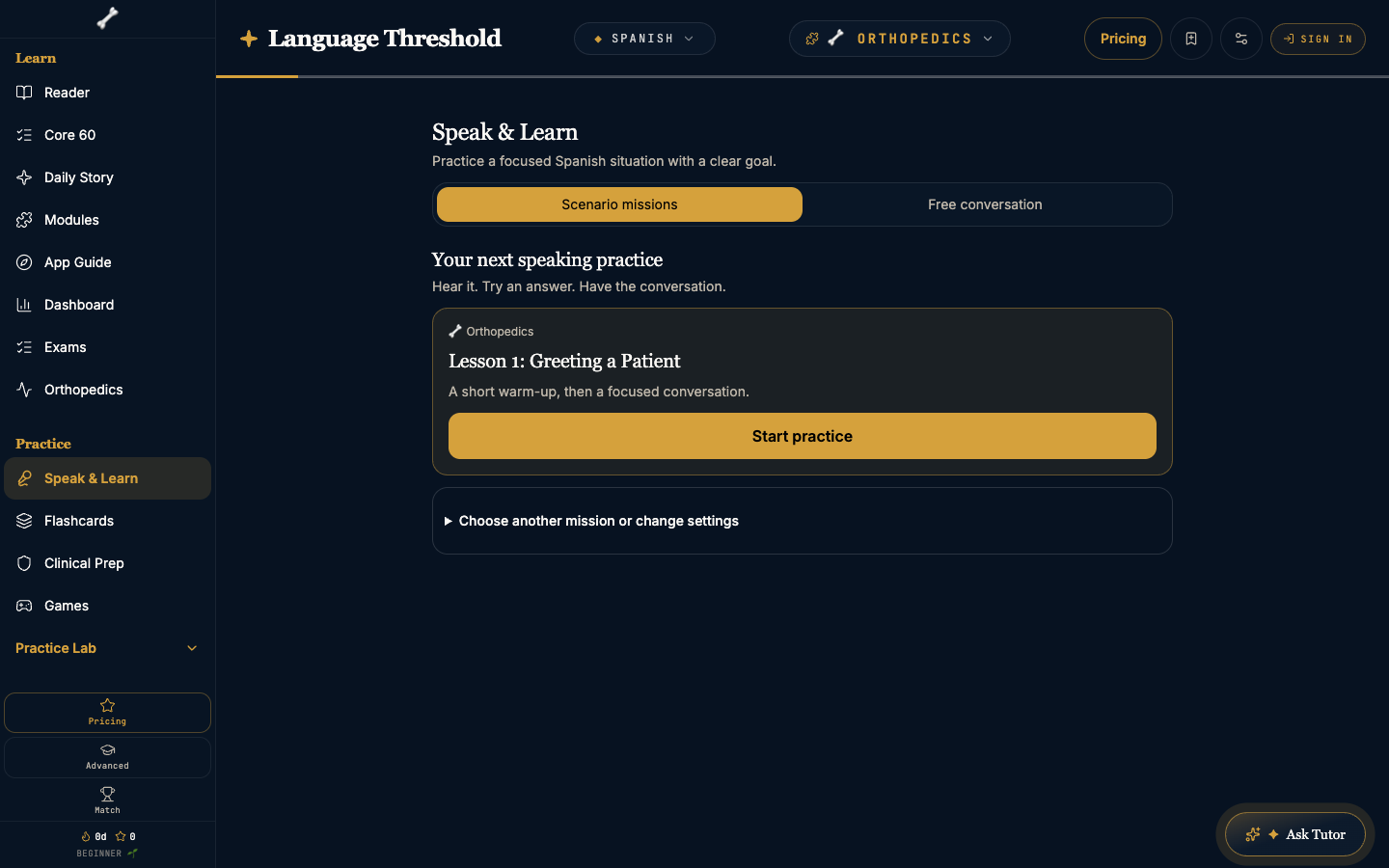
Choose a medical speaking activity, such as greeting a patient. Start a focused conversation when you are ready to practice Spanish.
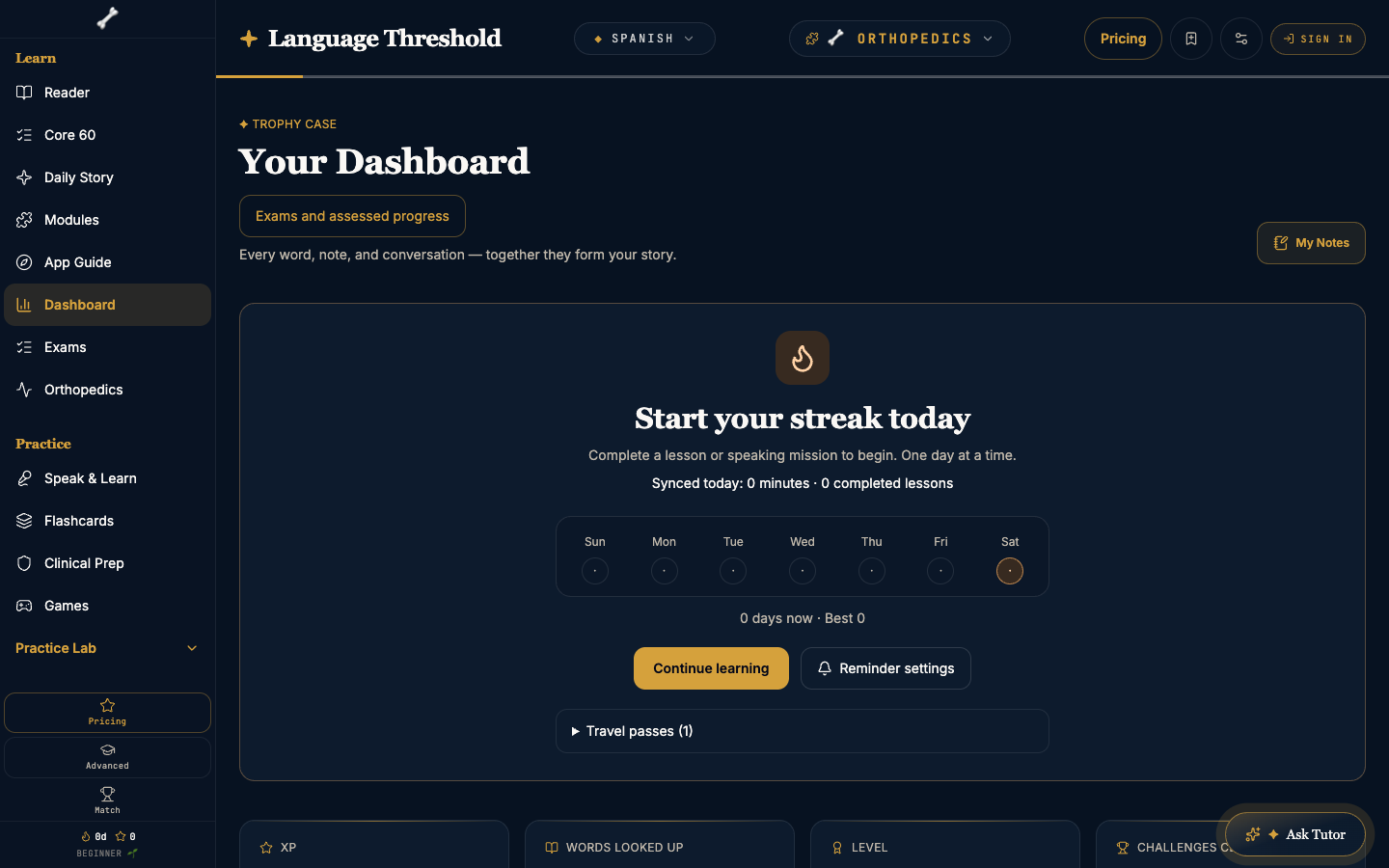
Keep your next step in sight
Review your learning activity, return to your lesson path, and keep building language around the topics that matter to you.